At a trade fair your whole team is in one place, dressed for customers, in front of your brand: a good moment for LinkedIn profile photos and banners. This guide covers the portrait slot on the stand, crops, consent and handover.
All prices plus VAT · delivered within 24 hours · See all packages & details
Many employees use a holiday snap, an old passport-style picture or no photo at all on LinkedIn. Yet their profiles are what customers, partners and candidates look at before a meeting, often more closely than the company page. A consistent, professional set of profile photos makes the whole company look more organised.
A trade fair solves the usual problems of organising this. The team is together, including colleagues from sales regions who are rarely at head office. Everyone is dressed for customers. The stand offers a branded background and usually decent light. And if a photographer is on the stand for the show anyway, a portrait slot fits into the day without a separate appointment.
For exhibitors who fly in from abroad, it may be the only occasion in the year when the international sales team and head office staff can be photographed in the same style.
| Picture | What it shows | Where it appears |
|---|---|---|
| Profile photo | Head and shoulders, friendly, looking into the camera | Round crop at the top of the profile, next to every post and comment |
| Background banner | Your stand, logo or team, very wide | The strip behind the profile photo |
| Post pictures | The person in conversation, at a demo, with a customer | Posts from the employee’s own profile during and after the show |
The profile photo comes first. For the banner, one or two shared motifs for the whole team are enough. Post pictures come from the normal show coverage; our guide to trade fair photos on LinkedIn lists motifs that work.
How to brief the team on clothing and posture is covered in our guide to briefing stand staff.
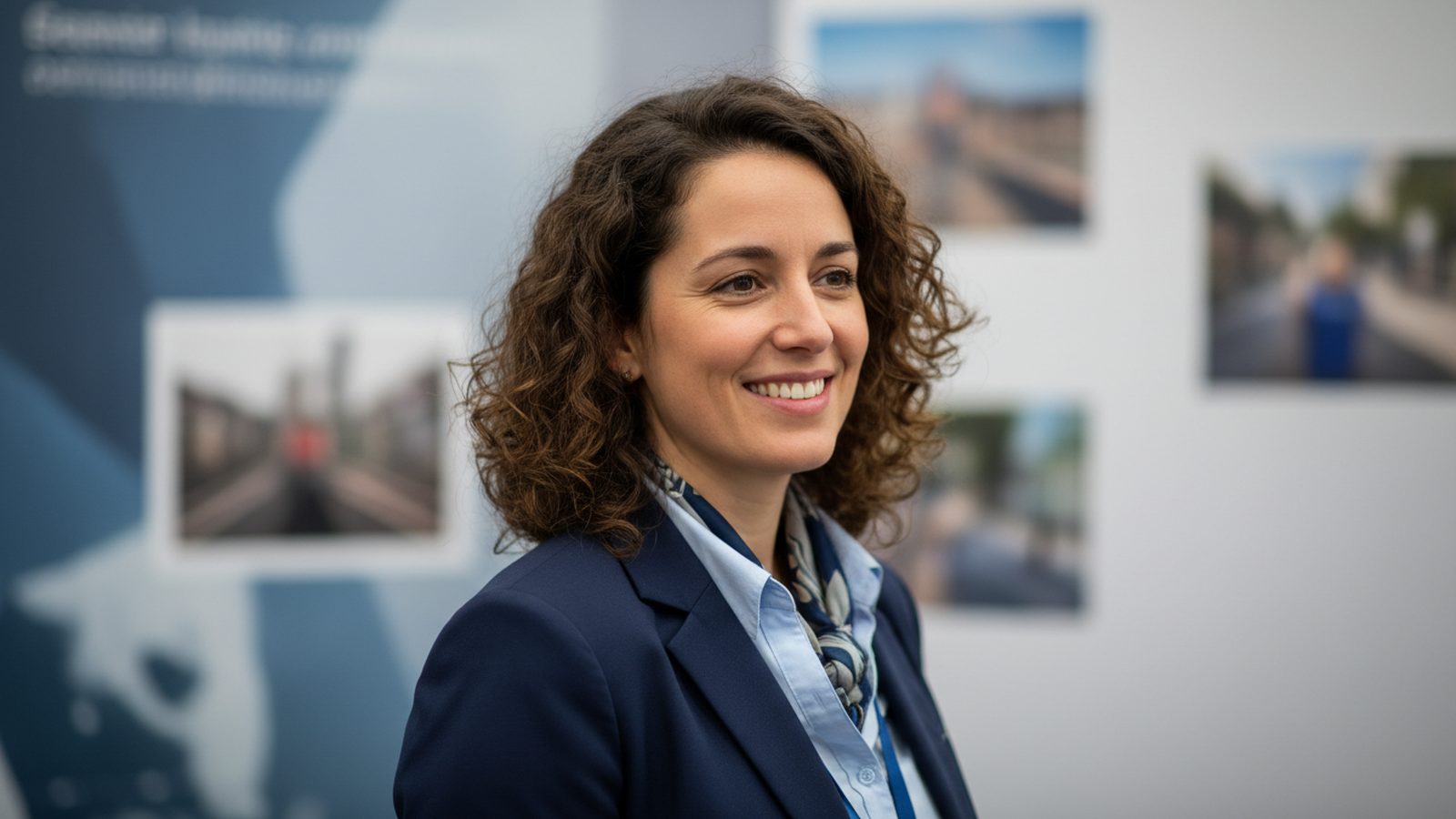
LinkedIn shows the profile photo as a circle, and very small next to posts and comments. The face has to fill the frame, with a little room around the head so that the circular crop does not cut off hair or chin. Busy backgrounds disappear at this size; a calm, slightly blurred stand works better than a detailed one.
The background banner is a very wide, narrow strip, roughly four times as wide as it is high. On a computer the round profile photo covers part of the banner on the left, and on a phone the crop is different again. Keep the logo and any text in the centre and to the right, and check the result on both before sharing the file. LinkedIn shows its current recommended sizes when you upload.
Ask for the portraits as a square crop and the banner as a wide crop, in addition to the original files. Colleagues can then upload them without editing.
A photo for someone’s personal profile is different from a company photo. Taking part should be voluntary, and each person decides whether and where to use their portrait. A short note before the show explains what the pictures are for, who receives them and how long the company keeps them.
The best portrait is of no use if it sits in a shared folder that nobody opens. Plan the handover:
At Pixer the first photos usually arrive on show day and the full selection within 24 hours after the event ends, so the team can update their profiles while new contacts from the show are still looking them up. A team photo from the same day, taken as described in our guide to the team photo at the trade fair, completes the set.
Colleagues from every region, dressed for customers, in front of your brand.
Before the doors open or late in the afternoon, three to five minutes per person.
The face fills the frame, with room around the head and a calm background.
Logo and text in the centre and to the right, checked on computer and phone.
Explain the purpose, who receives the pictures and how they may be used.
One folder per person, ready-made crops and a short how-to.
No. Taking part should be voluntary. Offer the slot, explain the purpose and accept a no without discussion.
Both work. A softly blurred stand shows the company context; a plain wall looks more neutral and dates less. What matters is that everyone is photographed the same way.
Decide this before the show and put it in writing. A clear rule avoids discussions later, for example: the personal portrait may be kept, company channels are updated.
Three to five minutes per person. For a team of ten, about an hour spread over quiet periods is realistic.
It can, but not the logo alone. A wide shot of the stand with people, or the team, looks less like advertising. Keep important elements out of the area covered by the profile photo.
Yes, if the employees agree to that use as well. Ask for it separately from the LinkedIn use, and check that your agreement with the photographer covers it.
Want portraits for your team’s LinkedIn profiles during the show? Tell us the fair, the date and how many people take part, and we plan the slot into the day.
We reply within 24 hours. During a show week, WhatsApp is fastest.