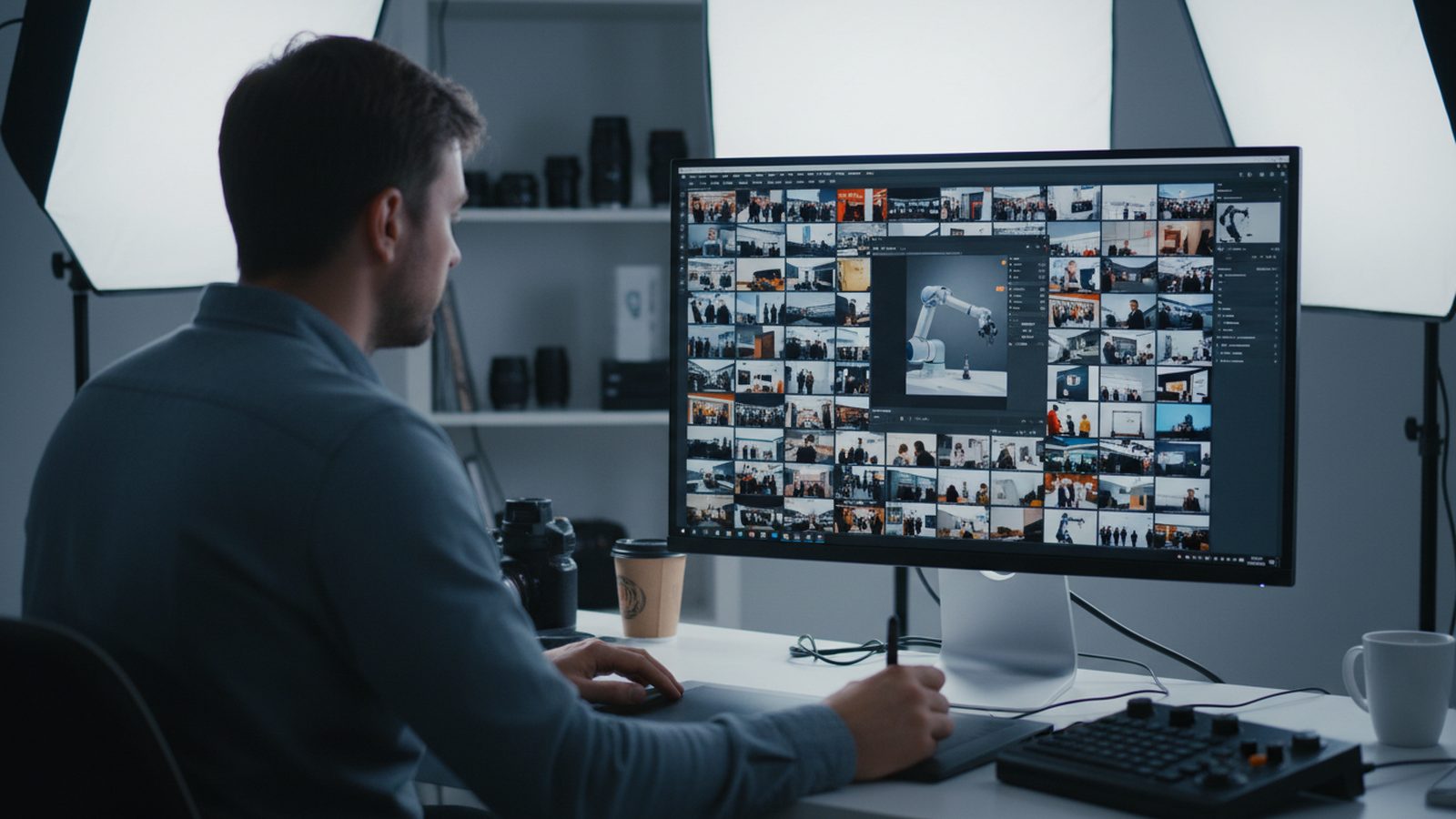
After the show there are 60 or 120 edited photos in your folder, and at first you need about ten. This guide shows how to select in three passes, which retouching is worth it, where editing goes too far and how to bundle correction requests.
All prices plus VAT · delivered within 24 hours · See all packages & details
A professional trade fair photographer does not hand over a raw card dump. You get a selection: blurred frames, closed eyes and near-duplicates are already gone, colour and exposure are adjusted. With Pixer that means at least 30, 60 or 120 edited photos depending on the package, delivered within 24 hours after the show ends, usually with the first images the same day.
That is still not the selection for your channels. The photographer chooses on photographic grounds, you choose on message, product and audience. Only you know which conversation was with a key account, which product should lead, and who in your team would rather not appear. A short, fixed selection routine straight after delivery pays off, especially when the stand team is flying home and head office will do the posting.
Looking at every picture at length takes forever. Three quick passes work better:
Watch for details that are easy to miss:
You end up with an A list of about ten images for immediate use and a B list for later. Make the choice as a pair, one person from marketing and one from sales. It rarely takes longer than half an hour. If the selection happens at head office in another time zone, send the stand team's notes along: who the visitors were and which meetings mattered.
Retouching should show the stand as it really looked at a good moment. These corrections make sense, and a professional edit has usually done them already:
Beyond that, small targeted fixes are worth it when an image is otherwise perfect: a cable on the floor, a coffee cup on the counter, a mark on the stand wall, a fingerprint on a display. For portraits and team photos, light skin retouching is common, for example against shiny foreheads under stand spots. Faces stay as they are.
More involved work, such as cut-outs for catalogues or online shops, is a separate task. Agree it with the photographer beforehand or plan dedicated product photography.
Trade fair photos work because they are real. These edits undermine exactly that:
| Edit | Why it is a problem |
|---|---|
| adding visitors to an empty stand | fakes a crowd, and people in your industry notice |
| changing products or adding features | shows something that does not exist, risky in advertising |
| heavy skin smoothing, reshaped bodies | looks artificial, staff do not recognise themselves |
| AI-generated image parts | hard-to-spot errors, loss of trust once noticed |
| removing or adding people in conversation scenes | changes what actually happened |
Press work has a stricter standard. Editors expect photos that have not been altered beyond colour, exposure and cropping, so keep more heavily edited images out of press kits. See our guide on the press release with show photos.
Two revision rounds are included with Pixer. To make them count, bundle your requests:
Use the first same-day images for LinkedIn without waiting for retouching, and send corrections for the website, print and next year's stand (booth) graphics calmly afterwards. Keep the original delivery untouched and save edited versions under their own names. For getting the chosen images onto your site, see trade fair photos for your website.
The photographer sorts on technique. You choose on message and channel.
Check expression, tag content, assign to channels. Result: an A list and a B list.
Visitor badges, competitor logos, unreleased products, people without consent.
Colour, exposure, straight lines, cropping and removing small distractions.
No added visitors, no altered products, no AI-generated additions.
One list with file names and clear instructions, one person signs off.
To start, an A list of about ten images covers the show report, LinkedIn and the website. Use the rest over the year, for example in newsletters, sales decks or material for distributors.
Standard editing of colour, exposure and cropping is part of the delivery. Pixer also includes two revision rounds. Agree more involved work such as cut-outs in advance.
Removing a single person at the edge of the frame, for example because they do not want to be shown, is fine. Removing or adding people in a conversation scene changes what actually happened.
AI tools help with colour correction and noise reduction. Inventing content, such as visitors or product parts, damages credibility and rules the image out for press use.
Ideally two people together: someone from marketing for impact and channels, and someone from sales who knows which conversations and customers mattered.
Archive them by show and year. They are useful for look-backs, anniversaries and comparing your presence with the next show.
Want show photos that are ready to use without hours of post-production? Send us the show, your stand and your key shots, and we will plan the shoot and delivery.
We reply within 24 hours. During a show week, WhatsApp is fastest.