A live stream lets customers who could not travel watch your launch in real time. It is also the most fragile kind of show content. This guide explains when it is worth it, what it takes technically and which rights to clear first.
All prices plus VAT · delivered within 24 hours · See all packages & details
A live stream does not replace photos and a highlight video. It is an extra format with a specific job. It works when there is a fixed moment people will wait for: a product launch at an announced time, a talk on your own stand stage, a panel with partners, or a live demonstration of a machine.
It struggles when the brief is simply to show the show. A camera pointed at a busy stand for an hour draws very few viewers, yet it still ties up equipment and people. Before you decide, answer four questions:
If the answer to the last question is yes, a recording is almost always the safer option. This matters most for exhibitors flying in from abroad, where head office is several time zones away and would watch later anyway.
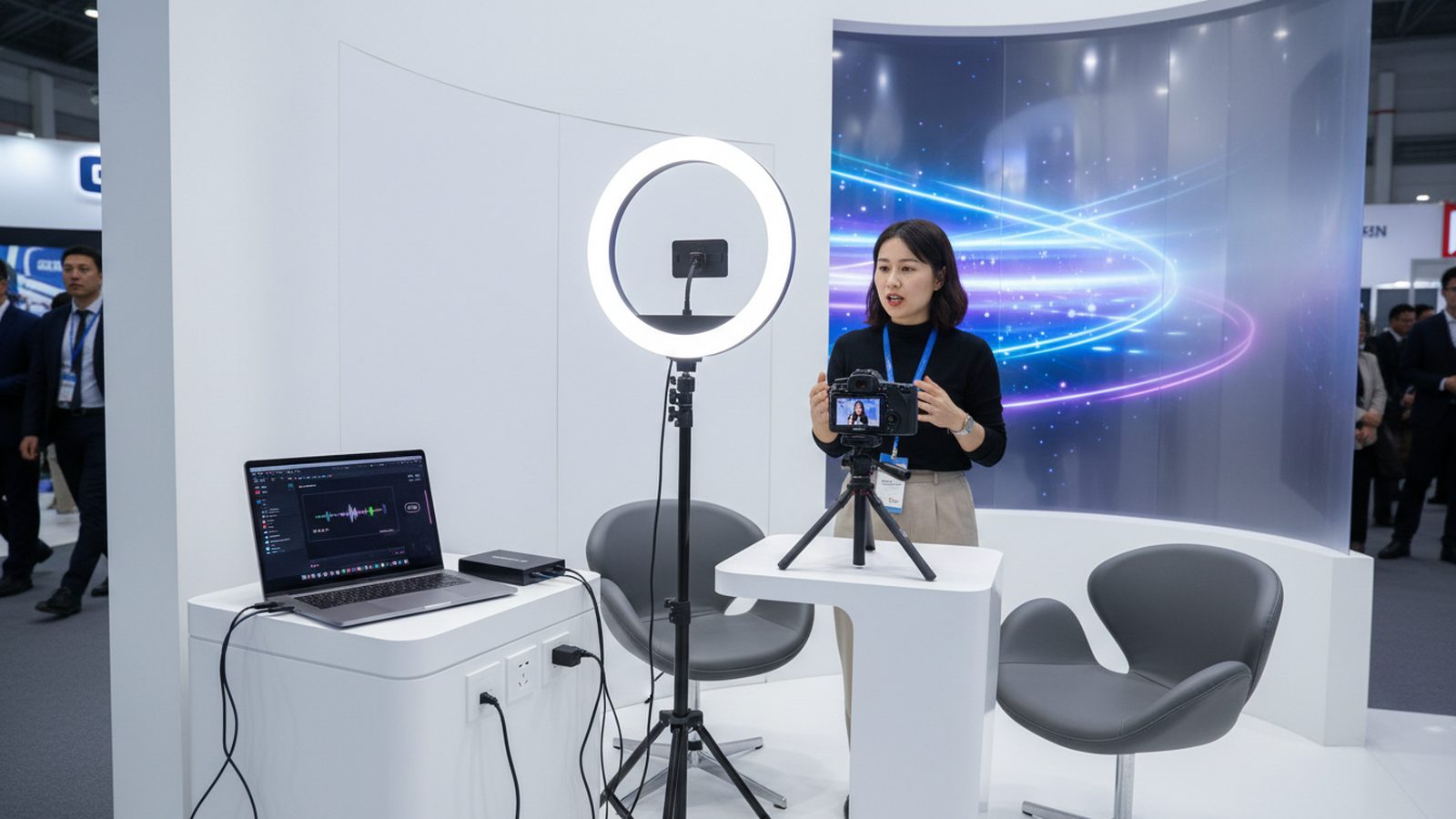
The picture is rarely the problem. One or two good cameras, tripods and a small switcher are quick to set up. The two weak points at a trade fair are sound and internet.
Exhibition halls are loud, and a camera's built-in microphone mostly records the neighbouring stand. For a stream people can follow, every speaker needs a lavalier or handheld microphone that feeds straight into the mixer. If your stand stage has its own PA system, take the signal from the desk rather than re-recording it through the speakers.
Hall Wi-Fi is not suitable for streaming, because thousands of devices share the same frequencies during opening hours. Plan a wired connection ordered from the organiser as a stand service. Bandwidth options, prices and order deadlines are listed in your show's exhibitor manual. Order early, because adding a line during build-up is often more expensive or no longer possible. A cellular bonding unit makes a sensible second line, but never rely on it as the only one.
A live stream has no edit where you can remove something later. Whatever the camera sees and the microphone hears goes out immediately. Three questions need an answer before you go live.
People: speakers and stand staff give written consent in advance. Visitors walking through the frame are the tricky part. Point the camera at the stage or demo area, not at the aisle, and put up a visible notice on the stand that you are streaming. Our guide to image rights at trade fairs and GDPR covers consent in detail.
Music: if the neighbouring stand plays music, or you play your own background track, it ends up in the stream. Many platforms detect protected music automatically and mute the audio or stop the stream. See music in trade fair videos for the licensing side.
Organiser: some shows regulate filming and broadcasting in their exhibitor manual, especially for talks in the organiser's own forums. Check the manual for your show and ask the exhibitor service if anything is unclear.
A stream that starts at 2 pm starts much earlier for the crew. A reliable sequence looks like this:
The last step is the one most teams underestimate. Most people watch the presentation later, not live. The recording and two or three short clips from it are often where the real value of the stream lies.
For many exhibitors a professional recording with a fast edit is the better choice. The sound is cleaner, slips can be cut, subtitles can be added in several languages and the material works in more than one length. The risk of a dropped connection disappears.
At Pixer we record talks and product presentations on your stand (booth), including your own stage, with one or more cameras, and deliver photos and video within 24 hours after the show ends, usually with the first photos on the same day. Interviews and subtitles are available in English, German, Arabic and Persian. Whether a live stream is worth adding on top is something we are happy to discuss with you before the show.
Broadcast an announced slot, not the whole show day.
Order a wired connection from the organiser and plan a second line as backup.
Every speaker needs their own microphone. The camera mic is not enough in a hall.
Consent, music and organiser rules have to be settled before you go live.
Most viewers watch later. Back up and edit the recording.
A recording edited within 24 hours is often more reliable than a live stream.
Each show sets its own rules. Check the exhibitor manual and ask the exhibitor service, especially if you want to stream from a forum run by the organiser.
Usually not. Hall Wi-Fi is heavily loaded during opening hours. Order a wired connection from the organiser and plan a second line as backup.
Point the camera at the stage or demo area rather than the aisle and put up a visible notice that you are streaming. Speakers and stand staff should give written consent in advance.
At least one person for the technology only and one for chat and moderation. Speakers should not have to think about the technology at all.
Yes, as long as the rights of speakers and any music are cleared. Short versions and clips for LinkedIn or your newsletter often reach more people than the live stream itself.
Yes. We record talks and presentations on the stand and deliver photos and video within 24 hours after the show ends, with two revision rounds included.
Planning a presentation on your stand and want it recorded or streamed? Send us the show, the date and the programme slot, and we will come back with a proposal.
We reply within 24 hours. During a show week, WhatsApp is fastest.