Your Google Business Profile is often the first thing people see when they search for your company. Trade fair photos show an active team, real products and a company that shows up. Here is how to use them properly.
All prices plus VAT · delivered within 24 hours · See all packages & details
When a buyer hears your company name at a show and searches for it later, Google often shows your Business Profile before your website: photos, opening hours, reviews, recent posts. A profile with an old logo and three blurred pictures of the entrance tells that buyer very little. Current photos of your team, your products and your presence at an industry show tell them a lot more.
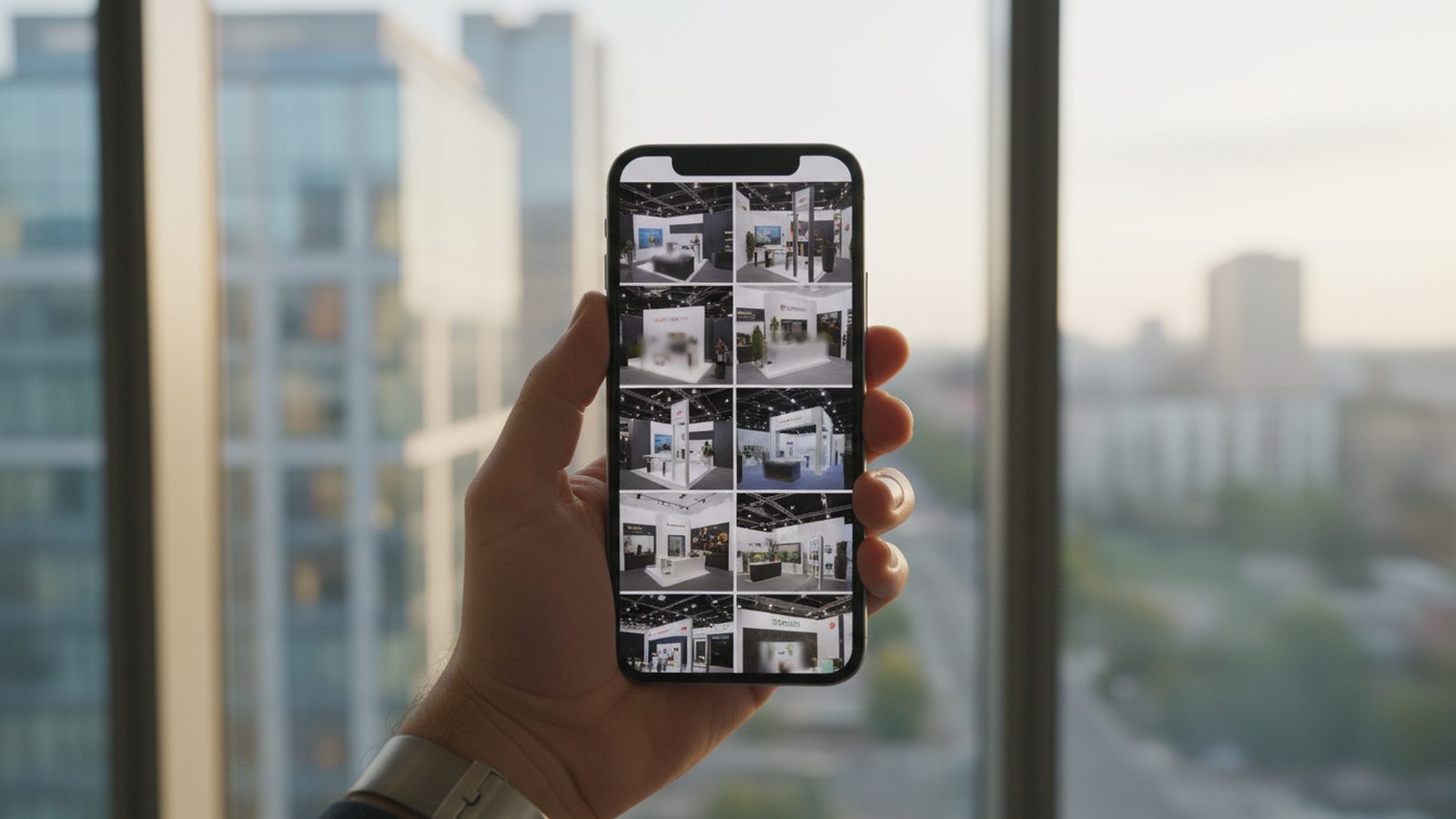
Trade fair photos suit the profile well, because they are recent, professionally made and show people rather than empty rooms. They close the gap between the polished images on many websites and the reality of a company that talks to its customers. The profile is one of several places where they pay off; our guide to 12 ways to use your trade fair photos covers the others.
One thing first: the profile belongs to your permanent location, such as your office, showroom, factory or branch. A trade fair stand is not a business location and does not get a profile of its own. For exhibitors from abroad this means using the profile of the company at home or of the European branch, if there is one.
The profile has room for photos of your team, your products and your work. From a trade fair, these motifs work best:
What does not fit: photos of the hall without your company in them, pictures dominated by other brands, heavy filters and images with large advertising text laid over them. Google’s guidelines ask for photos that show the business as it really is, and trade fair photos taken by a professional do exactly that.
Besides the photo gallery, the profile offers posts: short updates with an image, a text and a button. They suit trade fairs well, because a show has a clear before, during and after. Google also offers an event format with a start and end date.
| When | Post | Photo |
|---|---|---|
| Two to three weeks before | Event post: fair, dates, hall and stand (booth) number, button to your contact page | Your stand from last year or a product that will be on show |
| During the show | Update: what is new on the stand and where to find you | A fresh photo from day one |
| In the week after | Recap: thanks, main topics, link to the product page or recap video | The best team or conversation photo |
Keep the text factual and short, and use photos without text on them; the headline and button do that job. The during-the-show post only works if photos from day one exist on day one. Pixer delivers the first photos on show day and the full selection within 24 hours after the event ends. We post about the shows we cover on our own profile in Essen in the same way.
Google decides which image appears first in search results, so do not depend on a single cover photo. A set of ten to fifteen strong images from one show usually carries the profile for months. Add a few new ones after each fair, so the gallery never looks abandoned.
Photos on your profile are public. The same rules apply as for your website: staff should know that their photos will be used, and customers or partners who are clearly recognisable should agree, ideally in writing. When an employee leaves the company, check which profile photos show them. Our guides to image rights at trade fairs and on staff in trade fair photos cover the details.
You also need the usage rights for every photo you upload. With Pixer, unlimited usage rights are included, so the photos can go on your profile, website and social channels without further licensing.
Keep in mind that other people can add photos to your profile too. After a show you may find pictures of your stand taken by visitors. You cannot simply delete them, but you can report images that break Google’s rules, and good photos of your own push them down the gallery.
The weeks after a trade fair are a good moment to ask existing customers you met on the stand for a review, provided they have genuinely worked with you. Ask personally and never offer anything in return; Google’s rules do not allow incentives for reviews.
This takes little time per fair, and over a year it turns a static profile into a visible record of a company that is out meeting its market.
Photos go on the profile of your permanent location. A stand does not get its own profile.
Team, product details, real conversations and one stand overview work best.
An event post before, an update during and a recap after the fair.
Sharp, well lit, with faces and products away from the edges of the frame.
Staff informed, recognisable customers agreed in writing, usage rights clarified.
Ask genuine customers personally, never with an incentive.
No. A stand is temporary and not a business location. Use the profile of your office, showroom or branch and announce the fair in a post.
Yes, for the profile of your company at home or of a European branch. Buyers who met you at a German show will search for your company name and find that profile.
Quality before quantity. Ten to fifteen strong photos from one show are enough, followed by a few new ones after each fair.
Only where the people shown have agreed or are not recognisable. Customers and partners should agree in writing.
You need the usage rights for every photo you upload. Clarify them with whoever took the pictures before anything goes online.
If your photographer delivers the first photos on show day, as we do, a post from the stand can go live the same day.
Want fresh photos for your profile, website and social channels from your next show? Tell us the fair and the date, and we will send you a proposal.
We reply within 24 hours. During a show week, WhatsApp is fastest.