The camera sees more than your visitors do: cables, water bottles, dark corners, flickering screens. This guide shows how to get your stand ready for photos in a few steps, and which mistakes no retouching can fix later.
All prices plus VAT · delivered within 24 hours · See all packages & details
After a few hours on the stand, you stop seeing it. The jacket over a chair, the carton behind the counter, the half-empty water bottle next to the product: on site, nobody notices. In a photo, it is the first thing people see, and on your website it stays visible for years.
Lenses make it worse. Stand overviews are usually taken with a wide angle that shows the whole stand (booth), including every corner you did not want to show. Much of it cannot be retouched without the image looking artificial. A tidy, well-lit stand is the single most useful preparation for good trade fair photos, and it takes little time if you plan it.
Exhibition halls are lit for visitors, not for cameras. Hall light comes from above, is often cool and can be uneven depending on the hall. Your stand lighting decides whether the stand looks inviting or grey in photos.
Whether the hall lights are fully on before doors open varies from show to show. If in doubt, ask hall management or check the organiser's exhibitor manual.
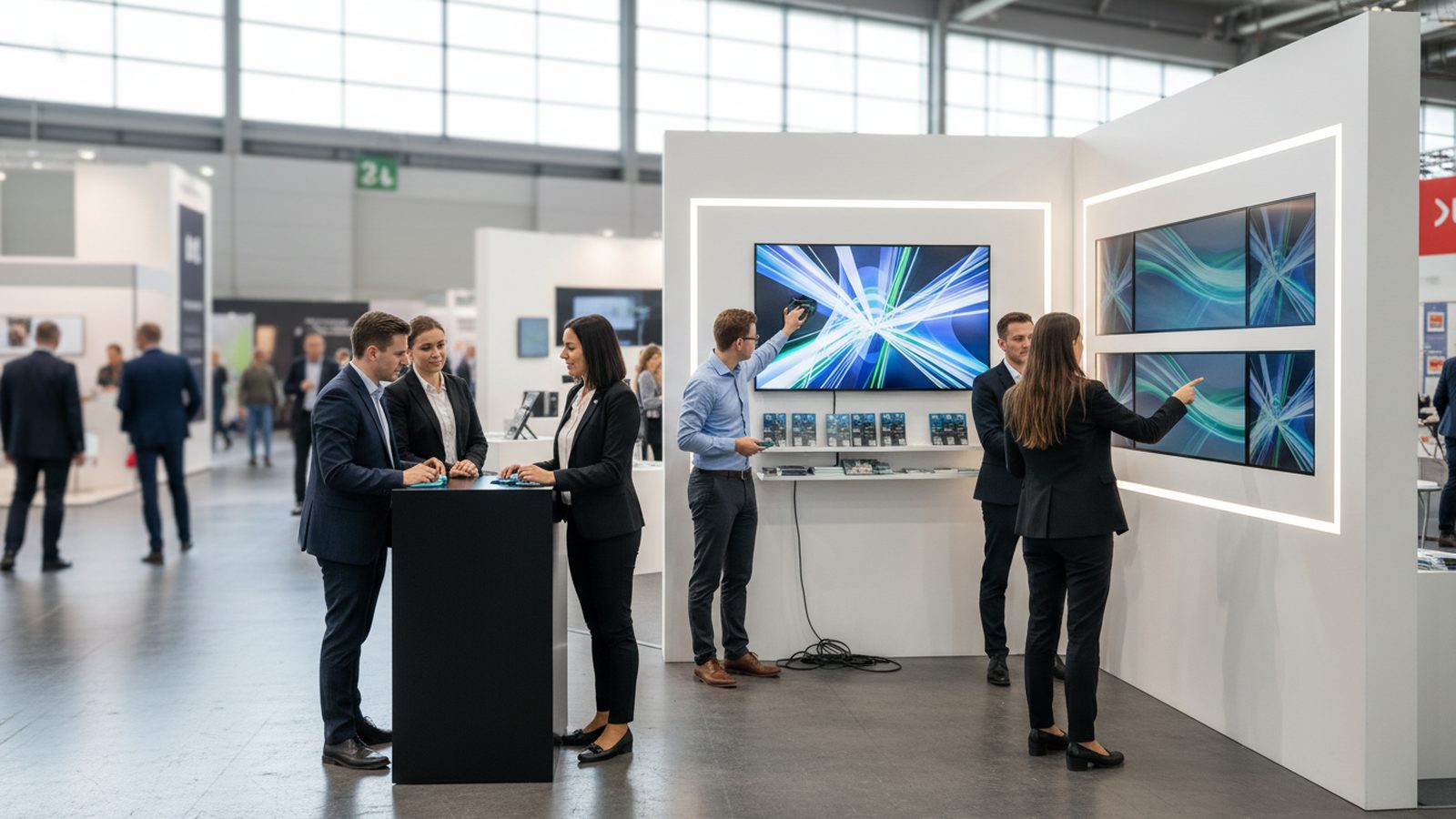
Screens are often the largest surface in a trade fair photo and also the biggest source of problems. A video with fast cuts turns into a random frame in the photo, sometimes a black transition.
Flicker, banding and moiré on LED walls are a topic of their own. Read more in our guide on photographing screens and LED walls.
A trade fair photo should show whose stand it is without a caption. That only works if the logo is visible from the direction most shots are taken, which is usually the main aisle.
Remember the back as well. On open stands, photos are taken from several sides, and a bare rear wall with visible cables looks unfinished.
Plan a fixed ten-minute round every morning before opening, ideally led by one named person. The order:
The calmest moment for stand overviews is often the evening of the build-up day, when the stand is finished and the hall is empty. Our guide on using the build-up day explains how to plan it.
A stand does not stay photo-ready all day, and it does not need to. After the morning round, the empty stand views are done, and the focus moves to people, conversations and products. What matters is that nobody puts bags on the counter and the meeting corner does not become a storage shelf.
For video, two more points apply. First, sound: if music plays on the stand, make sure someone can turn it down for interviews and knows where the controls are. Second, movement: rotating displays, fans or running machines look alive on film but blur in photos. Tell the team which equipment should run for which shot, and both can be planned.
When Pixer covers your stand, we plan the empty stand views before opening where possible and quietly point out anything that spoils the frame. For the rest of the day we work in the background without interrupting sales conversations. Briefings on site work in English, German, Arabic or Persian.
Switch on every spot, light box and logo, and replace broken bulbs beforehand.
For stand overviews, show a bright still with your logo instead of a fast video.
Visible from the main aisle, not hidden behind roll-ups or plants.
Every morning before opening: bags away, surfaces clear, cables bundled, glass clean.
The finished stand in an empty hall gives the calmest overview shots.
Never use the counter or the meeting corner as a shelf during the day.
Before doors open in the morning, or on the evening of the build-up day once the stand is finished. The organiser's exhibitor manual states when exhibitors may enter the hall.
Small details, yes. Larger things such as cartons, cable mess or bags are hard to remove without the image looking artificial. Ten minutes of tidying saves a lot of editing.
A calm, bright still with your logo and key message. For video, moving content is fine later on, as long as it has no long black sections.
No. The morning overview shots matter most. After that, people and conversations are the subject. Keep the counter and meeting corner clear, though.
Mainly sound. Music on the stand should be easy to turn down for interviews, and on-camera conversations need a quiet corner. Agree in advance who controls the audio system.
Usually yes, if the stand builder has finished and you plan the 10-minute round on the first morning. Send your photographer the stand plan in advance so the key angles are agreed.
A well-prepared stand turns a two-hour shoot into far more usable images. Tell us your show and dates, and we will agree the running order with you in advance.
We reply within 24 hours. During a show week, WhatsApp is fastest.