A video at the top of your homepage can show in seconds who you are, or make the page slow and restless. This guide explains which kind of video fits, how long it should be, how to handle sound and how to keep it fast.
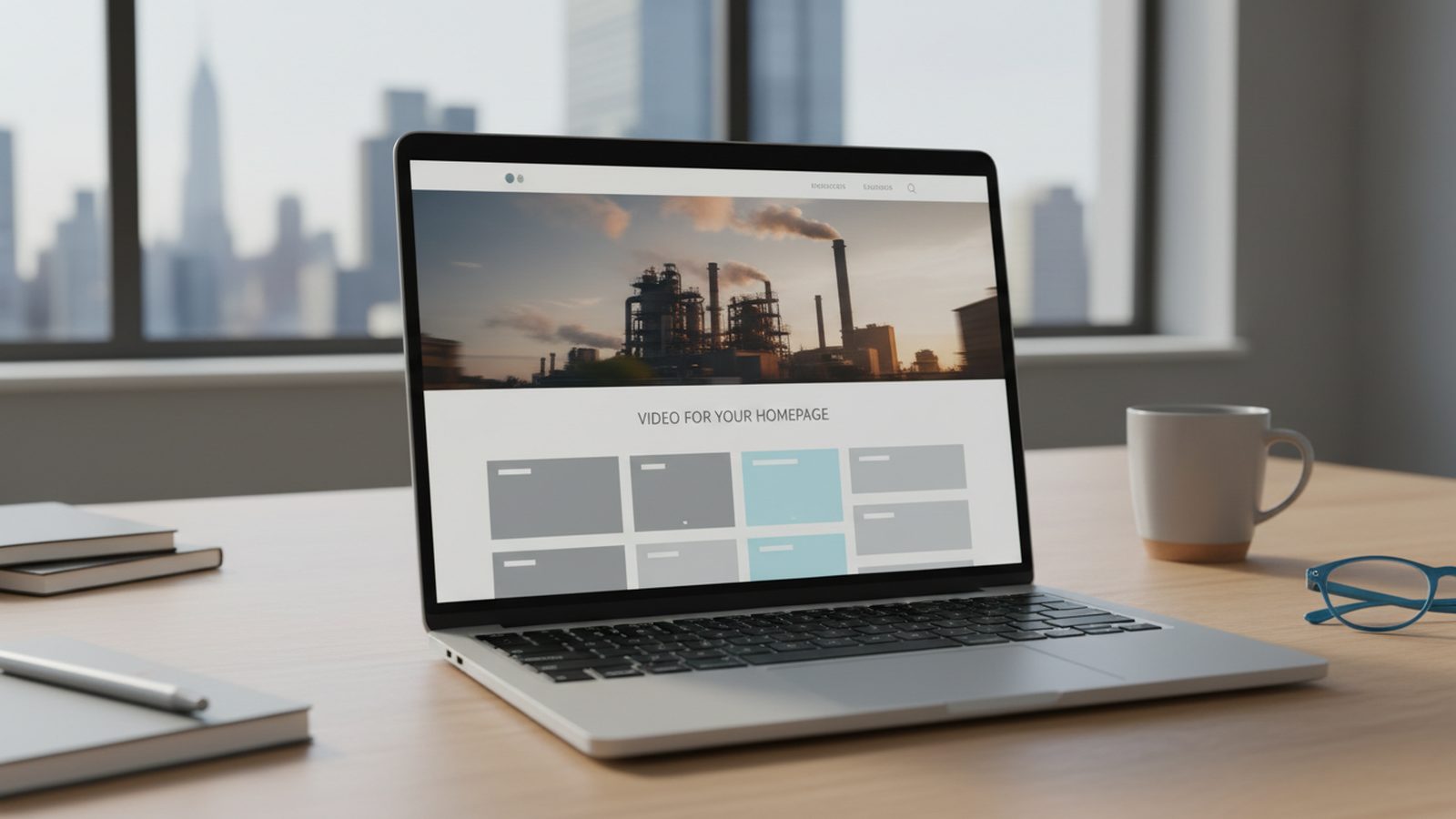
When people talk about a homepage video, they usually mean one of two different things. Choosing between them decides everything else:
| Background loop | Click-to-play film | |
|---|---|---|
| Purpose | Mood and first impression | Explain and convince |
| Length | 10 to 20 seconds, repeating seamlessly | 60 to 90 seconds, longer for image films |
| Sound | None | Speech, interviews, music |
| Start | Automatic and muted | When the visitor clicks |
| Text | The headline sits on top of the video | Subtitles inside the video |
Many companies use both: a calm loop behind the top section and, below it or behind a clearly visible button, the actual film. The loop creates interest; the film delivers the arguments. If you can only do one, start with the film, because it also works elsewhere: in sales, on LinkedIn, in the first email to a new contact.
For international companies, the homepage is often the first thing a prospect abroad sees. A loop without language works in every market; the film needs subtitles in the languages of your main markets.
The loop should not tell a story; it should show. Three to five calm shots are enough: your team at work, the product in motion, the place. Fast cuts and restless camera moves distract from the headline on top of the video. Make the transition from the last frame back to the first a soft one, so the repeat goes unnoticed.
For the click-to-play film: as short as the message allows. On the homepage, a version of 60 to 90 seconds has proved its worth; a longer cut can live on your about page or in sales. The first seconds matter more than the total length. Whoever clicks play wants to see immediately what it is about, not an animated logo.
How to set goal, length and scope before the shoot is covered in our guide to planning a corporate video.
Browsers generally only play videos automatically when they are muted. A background loop is therefore always planned without sound, and it has to make sense without it. The click-to-play film is the opposite: whoever presses play expects sound.
A video is usually the heaviest file on a homepage. Embedded badly, it delays exactly the area visitors see first. These points keep the page fast:
The homepage is where visitors decide whether to stay. The video should show what sets your company apart and what is hard to photograph:
Leave out stock footage. Visitors recognise it, and it shows precisely not your company. On-screen text in the loop is usually unnecessary, because the page headline sits on top. Check instead that the headline stays readable on every frame of the loop, including bright ones.
Loop and film do not need separate productions. Say explicitly in the briefing that you need a silent loop for the homepage as well as the main film. The crew will then shoot calm, longer takes that suit it.
At Pixer, every corporate video package includes a main film and vertical clips: Corporate Basic at €1,990 with a 60-second film and two vertical cuts, Corporate Professional at €2,990 with a film of up to three minutes plus a 60-second cut, both plus VAT. Delivery is in 4K or Full HD via a download link. Agree the web version of the loop with whoever runs your website, so format and file size fit the page.
Not sure which film you need first? See our guide to image film or recruiting video.
The silent background loop creates interest; the click-to-play film delivers the arguments.
10 to 20 seconds for the loop, 60 to 90 seconds for the film on the homepage.
Browsers generally autoplay only muted video. Show actions, not interviews.
A compressed still appears at once, the loop loads next, the film only on click.
Wide videos are cropped on phones. Plan a vertical version or a still.
Plan loop, main film and vertical clips together in the briefing.
A background loop 10 to 20 seconds, a click-to-play film 60 to 90 seconds. Longer versions belong on sub-pages or in sales.
No. Browsers generally allow autoplay only without sound, and unexpected sound drives visitors away. Only the silent loop should start by itself; the film with sound starts on click.
The short loop is best hosted as a small file on your own server. Embed the longer film through a platform or a player that only loads on click, and check the data protection side of platform players.
Only if it is embedded carelessly. With a poster image, a compressed web version and loading on click, the page stays fast. Check it after embedding with a measuring tool and on a phone.
At Pixer, corporate packages start at €1,990 plus VAT for half a shoot day with a 60-second film and two vertical cuts. A full shoot day with a film of up to three minutes is €2,990.
Yes, if the footage is calm enough and everyone recognisable has agreed to the use. Usage rights for Pixer footage are unlimited. Make sure no other brands’ logos and no year numbers are in the frame.
Tell us your website, what the video should do and your preferred date. You receive a fixed quote within 24 hours, based on our corporate packages.
We reply within 24 hours. For short-notice requests, WhatsApp is fastest.